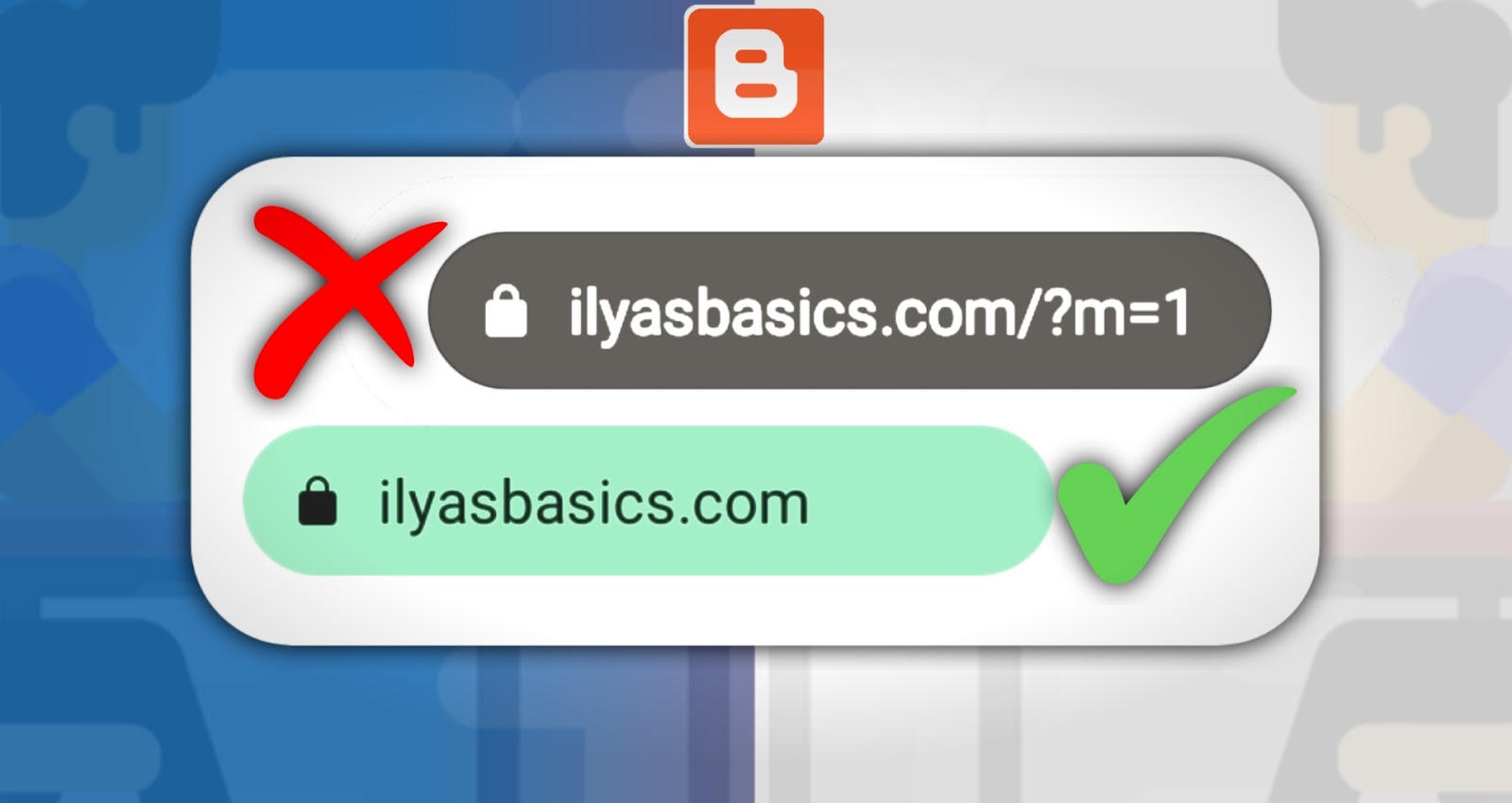
Why we need to remove m=1 from the blogger URL, because if we want after some time to convert our blogger website into WordPress, At that time we facing many issues and unable to convert our blog into a WordPress theme.
If you have moved your blog from blogger to self-hosted WordPress platform, then you likely to see a 404 or page not found error for URLs ending with ?m=1. These are blogger mobile version URLs.
The second one, also it doesn't look good after every blog URL, if we copied the URL and want to send it to others, it also consists of m-1 without blog URL, it's very irrelevant.
Here I describe how to remove m=1 from your blog URL, For this, I created HTML code that is helpful for removing this from the URL.
I provide one code, Go to the theme and you should paste that code into your HTML edit option before the end of tag and save the code. For getting code, click on below Download code link and get code for remove m=1 from your blog URLs.
Go To Blogger
Go To Theme
Click On Edit HTML
Press CTRL+F And Find
Copy the Code Given Above.
And Paste That Code Above Tag.
thank you

Comments
Post a Comment